UFM Logo
This page contains downloads and instructions for the updated UFM logo for you to use in your own documents, presentations, emails, websites, etc. Along with the logo image there is details of the colours used in the logo and the font used.
As you can see below there are different versions of the logo available to you depending on how the logo is to be used. The two versions of the logo are the full UFM logo, and the four corners icon. Each version comes in colour, completely black and completely white. In addition each of these can be downloaded in a high resolution, low resolution and vector format.
The vector files are to be used when having anything professionally printed. The high resolution files should be used in all other situations.
All versions have transparent backgrounds.
Please note; when viewing the white logo files you might not see anything due to it being the same colour as the background, but it is really there. For clarity this page displays the white logos over a grey background.
Full Logo
This version is the one you want to use most often. For use in Prayer Letters, forms, other documents and when displayed prominently in a presentation.
 |  |  | |||
| High | Vector | High | Vector | High | Vector |
Four Corners Icon
Please use the full logo above when ever possible, however, there may be circumstances when that is not suitable or appropriate.
 |  |  | ||||||
| High | Low | Vector | High | Low | Vector | High | Low | Vector |
Colours
To make other parts of your documents, presentations, etc. the same colours as those in the logo the information below can be used.
| Red | R: 226 | G: 56 | B: 10 | Hex: #E2380A | |
| Blue | R: 18 | G: 142 | B: 178 | Hex: #128EB2 | |
| Green | R: 133 | G: 184 | B: 44 | Hex: #85B82C | |
| Yellow | R: 250 | G: 190 | B: 7 | Hex: #FABE07 |
Font
The font used in the logo is called Montserrat and can be downloaded here.
Using the Logo
When inserting the logo in to a document such as Word or Powerpoint be careful when resizing the image. Always resize from the corners and not from the horizontal or vertical. This will ensure the logo is not stretched but kept the same aspect ratio.


Please consider which version of the logo, colour, black or white, will work best in the situation you are using it. If the document is to be printed in black and white then use the black version as this will look better than the colour logo in greyscale. Logos placed on top of images need to stand out, so use the white logo on dark parts of an images and use the black logo on light parts of an image. Try placing the logo where the image is not very ‘busy’ to help it stand out.
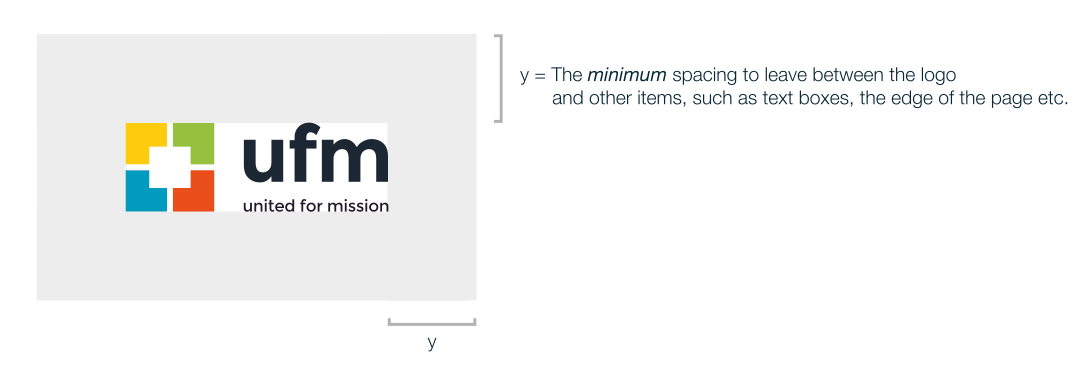
In order to give a professional look when using the UFM logo try to give plenty of space around it. If possible allow a distance the same as the height of the logo. It may not always be appropriate or suitable to the design but when applicable please follow this design guide.